Remote and hybrid work is now standard for millions of people. Whether you work from home full time, a few days a week, or occasionally, the quality of your home setup has a direct impact on how well you work and how you feel at the end of the day.
Research from MIT found that even small increases in social cohesiveness among workers lead to large gains in productivity. That finding cuts both ways: a well-designed home working environment supports you, but so does the human contact you get when you leave it.
Getting the balance right comes down to three things: a dedicated workspace, a consistent routine, and clear boundaries between work and personal time.
1. Create a Dedicated Workspace
The single most important step in making home working sustainable is committing to a specific place to work. Not the kitchen table. Not the sofa. Not your bed.
Choose a space you can associate exclusively with work. Ideally it has good natural light, enough room for a monitor and some working surface, and a door you can close at the end of the day. The physical act of leaving that space and shutting the door is one of the most effective ways to mentally switch off.
What to Invest In
Good quality tools make a significant difference to how long you can sustain focus:
- A proper desk and an ergonomically designed chair — you will spend hours in it, so comfort is not optional
- A monitor (separate from your laptop) to reduce neck strain and expand your working surface
- A dedicated phone line or at least a separate work number — keeping work calls off your personal phone helps with the boundary-setting covered in Section 3
- Wireless noise-cancelling headphones — essential if you share your space with others
Security and Digital Tools
A business-grade VPN is worth the investment. It encrypts your connection and protects client data whether you are at home or working from a café. This is not excessive caution — it is basic professional hygiene.
For collaboration and communication, a range of apps work well across teams of any size: Asana or Basecamp for project management, Google Docs for shared documents, Slack for team messaging, and Zoom, Skype, or Google Meet for video calls. Most are free for standard use.
One often-overlooked tip: use a separate browser profile for work. Keep your work logins, bookmarks, and notifications in one profile and your personal browsing in another. It creates a digital equivalent of closing the office door.
2. Follow a Routine
Structure does not disappear when you work from home — you just have to create it yourself.
Dress for the day. The idea of working in pyjamas sounds appealing, but most people find it undermines their focus. Getting dressed — even just to smart casual — signals to your brain that the working day has started. It also means you are ready for an unexpected video call at any point.
Set Your Own Hours and Stick to Them
If your schedule is flexible, choose the hours when you are most productive. Some people do their best thinking before 9am. Others hit their stride after lunch. The advantage of remote work is that you can structure your day around your natural energy levels rather than an arbitrary 9-to-5.
Once you have set your hours, treat them as fixed. Start at the same time. Finish at the same time.
Build in Breaks and Movement
Long uninterrupted stretches of screen time are less productive than they feel. Take short, regular breaks. Step outside. Go for a walk. If there is a gym nearby, use it. Research published in the Harvard Business Review by Ron Friedman, drawing on data from the British Journal of Health Psychology, found that people who consumed more fruits and vegetables reported being happier, more engaged, and more creative at work. What you eat and how you move during the day genuinely affects the quality of your output.
A useful ritual: treat your commute substitute seriously. If you previously spent 20 minutes on the bus each morning, replace that time with a walk, a workout, or even just a coffee made away from your desk. The mental transition matters.
3. Set Boundaries
The flexibility of working from home is its greatest strength and its biggest risk. Without clear limits, work bleeds into every hour of the day.
Set a hard stop. At the end of your working hours, close your laptop, silence work notifications, and step away from your workspace. Replying to one more email at 10pm is not productivity — it is the erosion of personal time that makes home working unsustainable over the long term.
Practical steps that help:
- Turn off or mute work app notifications outside your working hours
- Stay off social media during focused work blocks
- Do not eat lunch at your desk — get up and move
The Social Dimension
“Humans are social animals, whose mental health depends upon frequent interaction with others and the outside world.” — David Taylor, Director of Pharmacy and Pathology at the Maudsley Hospital.
Isolation is a real occupational hazard of home working. Deliberately maintaining social contact — with colleagues, with friends, with people in your field — is not a luxury. It is part of sustaining your performance over time. In Malta, SOHO’s community and networking events bring together members across industries — a practical way to maintain the kind of regular professional contact that home working can erode.
4. When Working from Home Stops Working
Some people thrive working from home. Others find, after weeks or months, that it simply does not suit them — not because they lack discipline, but because the environment is wrong.
Common signs that home working has stopped working well:
- Difficulty separating work from personal time, even with strict rules in place
- Declining motivation without external accountability
- Physical distractions that cannot be removed (family, noise, space constraints)
- A growing sense of isolation that affects mood and focus
If this is your experience, the answer is not necessarily a full-time office. A coworking space offers a structured, professional environment with the flexibility of a membership rather than a lease.
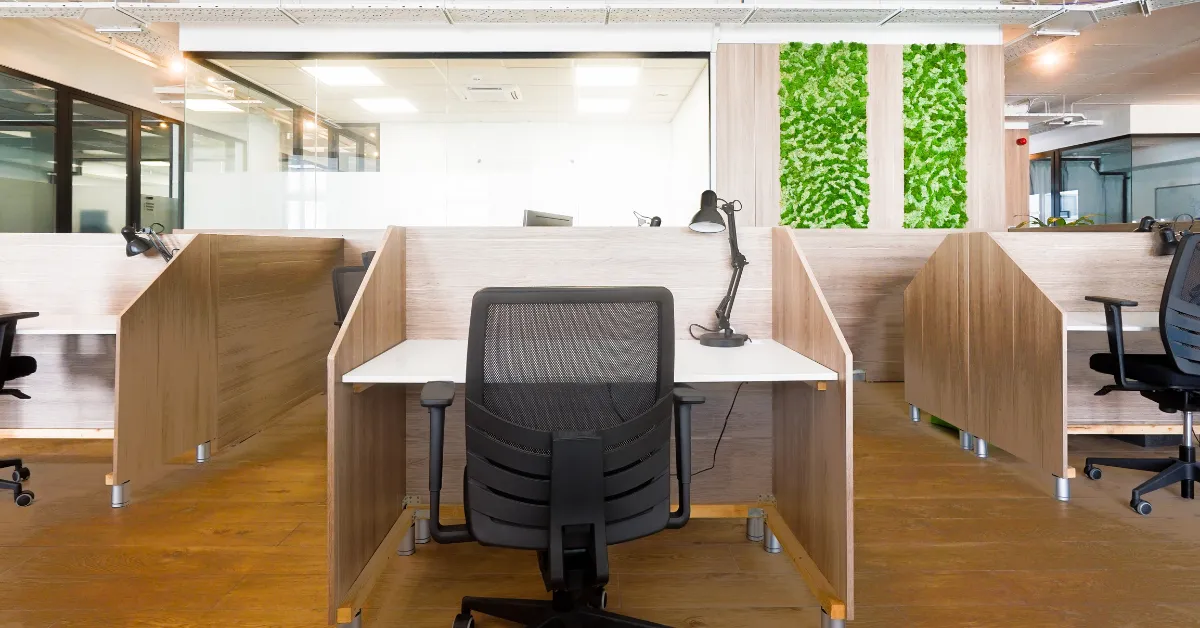
A Dedicated Desk at SOHO gives you a fixed workspace from €350/month, with 24/7 access and all the infrastructure of a fully serviced office. It is the closest equivalent to having your own desk outside the home — without the cost or commitment of a private office.
If you only need occasional office time, a Hot Desk membership is more flexible: from €30/day, with access to SOHO’s locations in St. Julian’s and Gzira. It works well for people who mostly prefer home working but want a reliable alternative when the home environment becomes difficult.
Frequently Asked Questions
How do I stay productive working from home?
The most reliable approach is to treat your home working day like a day in an office: fixed start time, a dedicated workspace, scheduled breaks, and a clear end time. Remove digital distractions during focused work blocks, and build in movement and social contact so that isolation does not accumulate over time.
What equipment do I need for a home office?
At a minimum: a proper desk, an ergonomic chair, a monitor, noise-cancelling headphones, and a reliable internet connection. A VPN is worth adding for security. The investment in good equipment pays back in comfort and reduced physical strain over months of daily use.
Is it better to work from a coworking space or from home?
It depends on your working style and home environment. Home working suits people with good self-discipline, a quiet dedicated space, and strong boundaries between work and personal life. Coworking suits people who need external structure, value social contact, or find their home environment too distracting. Many people find a hybrid approach — some days at home, some at a coworking space — works better than either option alone.
How do I separate work life from home life when working remotely?
The three most effective strategies are: a dedicated workspace with a door you can close, fixed working hours you enforce consistently, and a physical ritual that marks the end of the working day (a walk, a workout, or simply leaving the room). Keeping work notifications off your personal phone and out of your personal evening hours also makes a significant difference over time.